
Find Your Image Across the Web
Upload an image to search Google, Yandex, Baidu, and Bing simultaneously
All Engines
Google
Yandex
Baidu
Bing
Google Results
Yandex Results
Baidu Results
Bing Results
No Image Found
Please upload an image first to search visually across all engines.
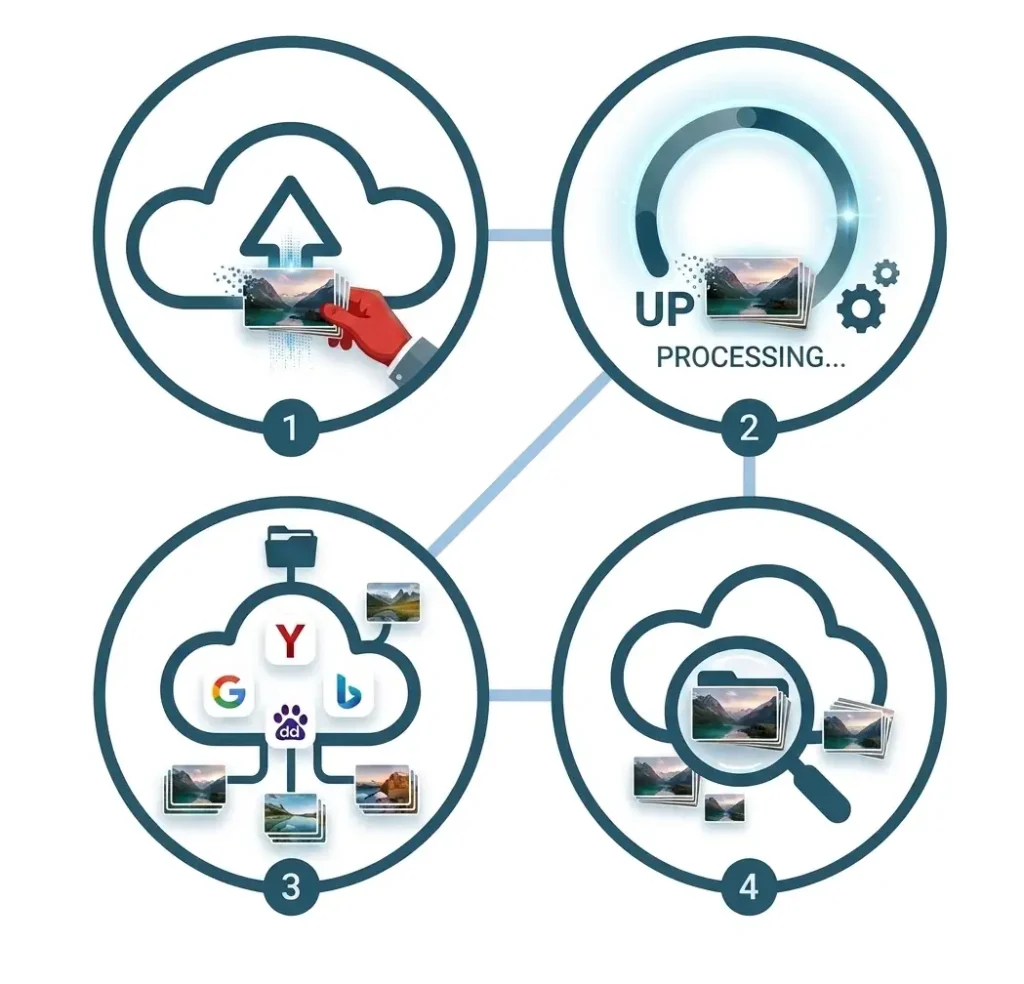
How to Use Reverse Image Search
Step 1
Upload an image from your device.
Step 2
Wait a few moments while the tool processes your image.
Step 3
Browse results from Google, Yandex, Bing, and Baidu.
Step 4
Open the full search results to explore matching images and image sources.
Key Features
Multi-Engine Search
Search Google, Bing, Yandex, Baidu instantly
Fast Processing
Get image results within just a few seconds
Secure Upload
Images processed safely and automatically deleted
No Signup Required
Use tool instantly without creating an account
Frequently Asked Questions
Is Reverse Image Search Free?
Yes. You can use this tool to search images without any cost.
Do You Store Uploaded Images?
No. Uploaded images are processed securely and are not permanently stored on our servers.
Which Search Engines Are Supported?
The tool supports Google, Yandex, Bing, and Baidu image search.
Can I Use Reverse Image Search on Mobile?
Yes. The tool works on mobile phones, tablets, laptops, and desktop computers.
What File Types Are Supported?
Most common image formats such as JPG, PNG, WEBP, and JPEG are supported.
Why Are Results Different Across Search Engines?
Each search engine maintains its own image database, so results may vary.