




01
Choose A Tool
Browse ToolFlexy’s clean dashboard and pick the exact tool you need, whether that’s a PDF converter, an image editor, or a text utility — no account required to get started.

Free tools. Fast results.
ToolFlexy gives you 87 free online web tools for PDFs, images, and text — all in one place, with no signup and no software to download. Stop juggling five different websites just to compress a PDF, resize an image, or count your words. Choose the tool that fits your task. Some tools process files in your browser; others use a processing service. Each tool page explains its file limits and how it works.
Start here
 Image to TextExtract text from images
 PDF CompressorReduce PDF file size
 Video CompressorCompress videos online free
 Image ResizerResize images online free
 Resume BuilderBuild Your Perfect Resume
 Background RemoverRemove backgrounds instantly
 Word CounterCount words and characters
 QR Code GeneratorGenerate QR codes free
Browse the toolbox
Upload an image to search Google, Yandex, Baidu, and Bing simultaneously
JPG, PNG, GIF, WEBP or SVG • Max 10 MB • Private & secure
About ToolFlexy
How your data is handled depends on the tool you use. Check the tool page and read our Privacy Policy for details.
Meet the ToolFlexy teamToolFlexy is a fast, secure, and completely free web tools platform. We bring your most-used digital utilities — PDF converters, image editors, text tools, calculators, and generators — into one clean dashboard, so you don’t need to hunt across cluttered, ad-heavy websites or install anything just to get one small task done. ToolFlexy offers both browser-based and service-based tools. Processing depends on the tool you choose, so check its page before uploading a sensitive file. Browser-based tools work on your device, while service-based tools send the file to the named provider for processing. Our Privacy Policy explains how the site handles data. ToolFlexy is built and maintained by a small, hands-on team focused on one goal: making everyday digital tasks faster and simpler for students, freelancers, content writers, and small business owners alike.
A simple workflow
Using any tool on ToolFlexy takes three simple steps:
Browse ToolFlexy’s clean dashboard and pick the exact tool you need, whether that’s a PDF converter, an image editor, or a text utility — no account required to get started.
Check the tool’s supported formats, file limits and processing method, then paste text or select a file.
Review the result, then copy or download it. Processing time varies with the tool, file size and selected settings.
Why people choose us
Every tool on ToolFlexy is free to use — no premium tiers, no paywalls, and no hidden charges to unlock basic features.
Use any tool immediately. ToolFlexy never asks for an account, email address, or credit card to get results.
Most tools run directly in your browser for instant results, without installing any software or plugins.
Some tools process files on your device; others use external services. Check the tool page before uploading.
Helpful answers
Yes. Every tool on ToolFlexy is completely free to use, with no premium subscriptions, forced signups, or usage-based paywalls.
No signup is required. You can use any free online web tool on ToolFlexy immediately, without creating an account.
Processing depends on the tool. Some work on your device, while others send a file to an external service to create the result. Check the tool page before uploading sensitive material, and read our Privacy Policy for details.
Limits vary by tool. Check its page for supported file types, maximum file size and any usage limits before starting.
No installation is needed. Every tool works directly inside your web browser, on desktop or mobile.
Fresh from the blog
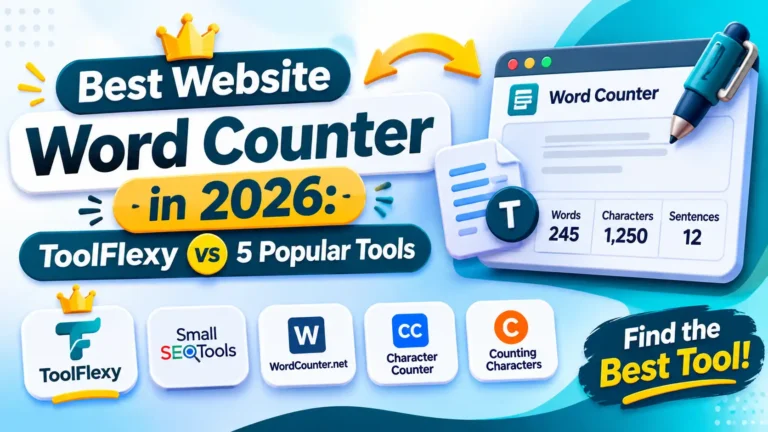
The best website word counter is the one that matches your job: a quick check of one page, or…
Read guide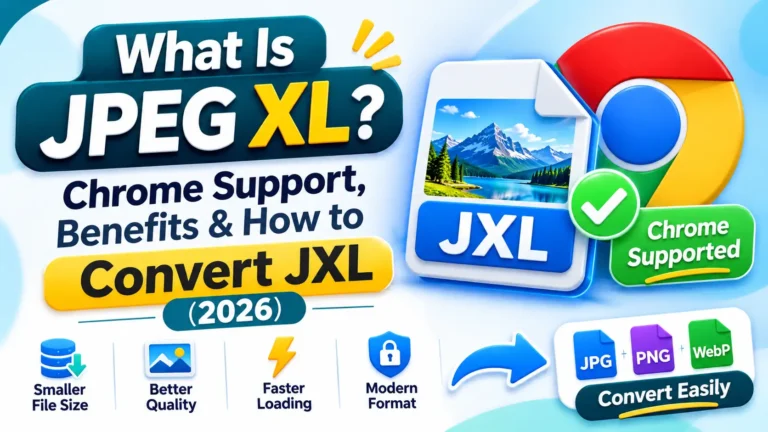
What is JPEG XL? It is a modern image format that makes photos 30-50% smaller than JPEG while keeping…
Read guide
Applying to dozens of jobs and hearing nothing back isn’t always about your experience. It’s often a formatting or…
Read guide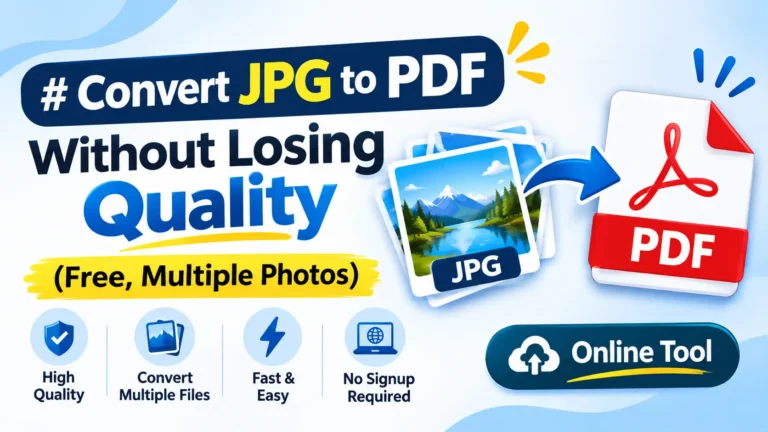
Need to combine multiple photos into one file without them coming out blurry, out of order, or surrounded by…
Read guide