If you’ve picked a UUID library in the last year, you’ve probably noticed a new option sitting next to the familiar v4: UUID v7. The question isn’t academic — the version you choose affects how fast your database indexes grow, how your records sort, and even what your IDs quietly reveal about your system. Here’s exactly what changes between UUID v4 and v7, and which one actually fits your project.
What Is a UUID, Quickly
A UUID (Universally Unique Identifier) is a 128-bit value, usually written as 32 hex characters split into five groups (like f47ac10b-58cc-4372-a567-0e02b2c3d479), designed to be unique across systems without a central authority handing them out. They’re used everywhere IDs need to be generated independently and safely — database primary keys, API request IDs, session tokens, file names, and distributed system event tracking.
There isn’t just one kind of UUID. The “version” number (the first digit of the third group) tells you how it was built — and that’s exactly where v4 and v7 differ.
UUID v4 vs v7 — The Core Difference
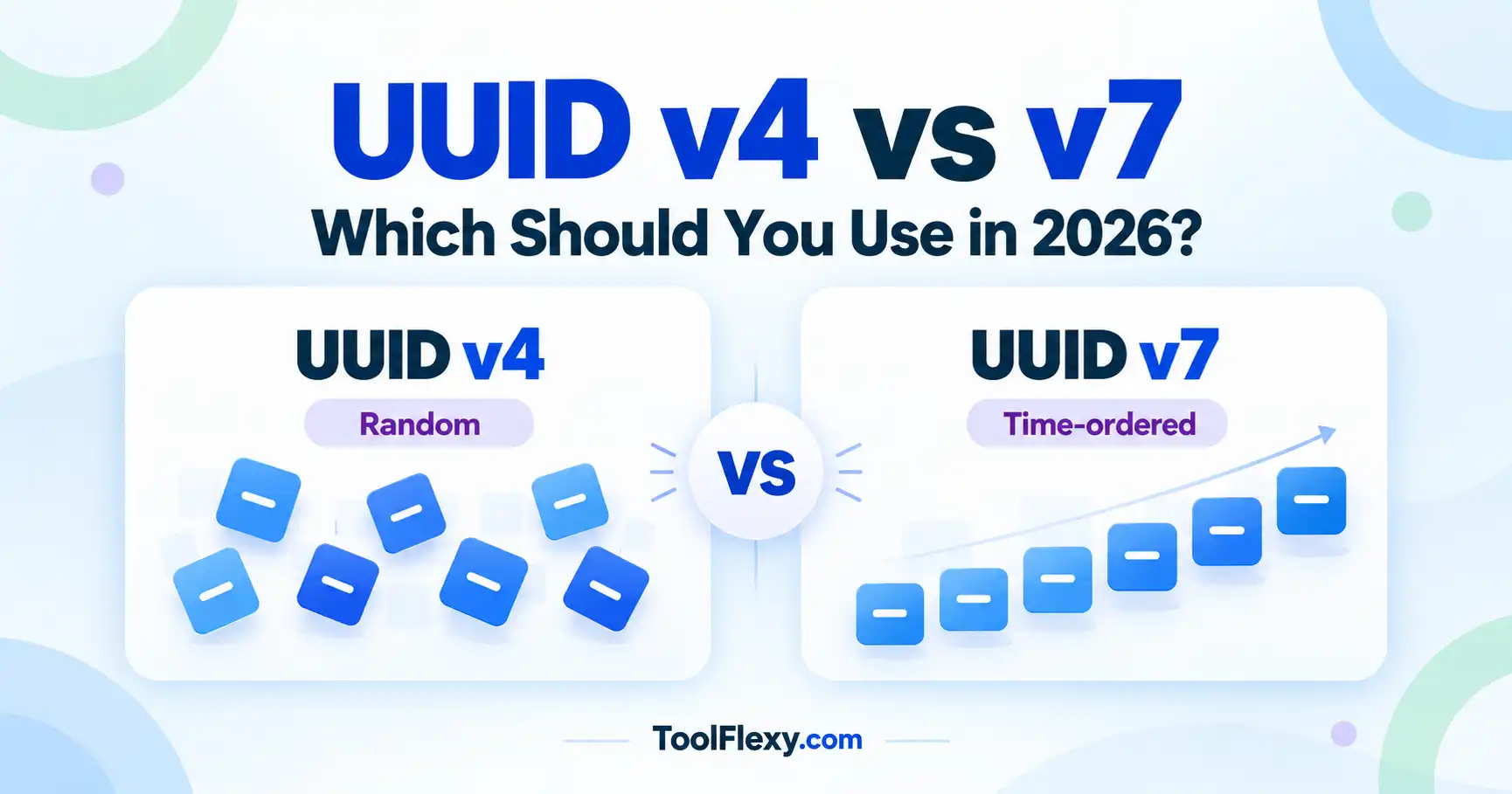
UUID v4 is built almost entirely from random bits — 122 of its 128 bits come straight from a random number generator. That randomness is its whole point: two v4 UUIDs generated anywhere, by anyone, are effectively guaranteed never to collide, and there’s zero information leaked about when or where they were created.
UUID v7, standardized in RFC 9562 in 2024, takes a different approach. It embeds a 48-bit millisecond-precision Unix timestamp as its first bits, then fills the rest with random data. The result is a sortable UUID that’s still statistically unique, but — unlike v4 — sorts in roughly the same order it was created.
Is UUID v7 Better Than v4?
Neither is “better” in every case — they’re optimized for different jobs. UUID v7 is generally the better default for new projects that store UUIDs as database primary keys, because its time-ordered structure keeps new rows physically close together on disk. UUID v4 is still the right call when you need an identifier that reveals absolutely nothing about when it was created — for security tokens, for example, where timestamp leakage is a real concern.
UUID v4 vs v7 at a Glance
| Property | UUID v4 | UUID v7 |
|---|---|---|
| Structure | 122 random bits | 48-bit timestamp + 74 random bits |
| Sortable by creation time | No | Yes (millisecond precision) |
| Reveals creation time | No | Yes |
| Database index performance | Degrades at scale (fragmentation) | Stays efficient (sequential inserts) |
| Standardized | RFC 4122 (2005) | RFC 9562 (2024) |
| Best for | Security tokens, anti-enumeration IDs | Database primary keys, event/log IDs |
Why UUID v7 Matters for Database Performance
This is the practical reason v7 exists. Most databases (PostgreSQL, MySQL, and others) use a B-tree index on the primary key. When you insert fully random v4 UUIDs, each new row lands in a random position inside that index, forcing the database to constantly rebalance pages scattered across the whole table — this is sometimes called “index fragmentation,” and at scale it measurably slows down both inserts and range queries.
Because UUID v7 values increase roughly in step with time, new rows insert at (or near) the end of the index, the same way a traditional auto-incrementing integer ID would. You keep the core benefit of UUIDs — no central coordinator needed to assign them — without paying the full indexing performance cost that v4 carries at high insert volumes.
Does UUID v7 Improve Index Performance?
Yes, for insert-heavy workloads with UUID primary keys — benchmarks from PostgreSQL and MySQL maintainers consistently show better insert throughput and smaller index bloat with time-ordered UUIDs like v7 compared to fully random v4, especially as table size grows into the millions of rows.
When Should You Still Use v4
UUID v4 remains the right choice whenever the timestamp information inside v7 would be a problem rather than a feature. A few common cases:
- Security and auth tokens — session IDs, password reset tokens, or API keys where you don’t want anyone inferring issuance time from the identifier itself.
- Anti-enumeration contexts — public-facing resource IDs where sequential or time-correlated values could let someone guess how many records exist or roughly when another record was created.
- Simple, low-volume systems — if your table will never see heavy concurrent inserts, the indexing advantage of v7 may simply never matter in practice.
Switching an Existing Project From v4 to v7
If you’re convinced v7 is the better fit going forward, you don’t need to touch existing data to benefit. Because a v4 UUID can’t be meaningfully converted into a v7 one (there’s no timestamp to recover), the practical migration path is simple: keep existing v4 values exactly as they are, and configure your application or ORM to generate v7 for every new record from a chosen date forward.
Most UUID columns don’t care which version produced the value — v4 and v7 are both valid 128-bit UUIDs and can live side by side in the same column without any schema change. The only thing you lose is index locality for the older, already-inserted v4 rows, which typically isn’t worth a one-time backfill migration just to fix.
How to Generate UUID v4 or v7 Instantly
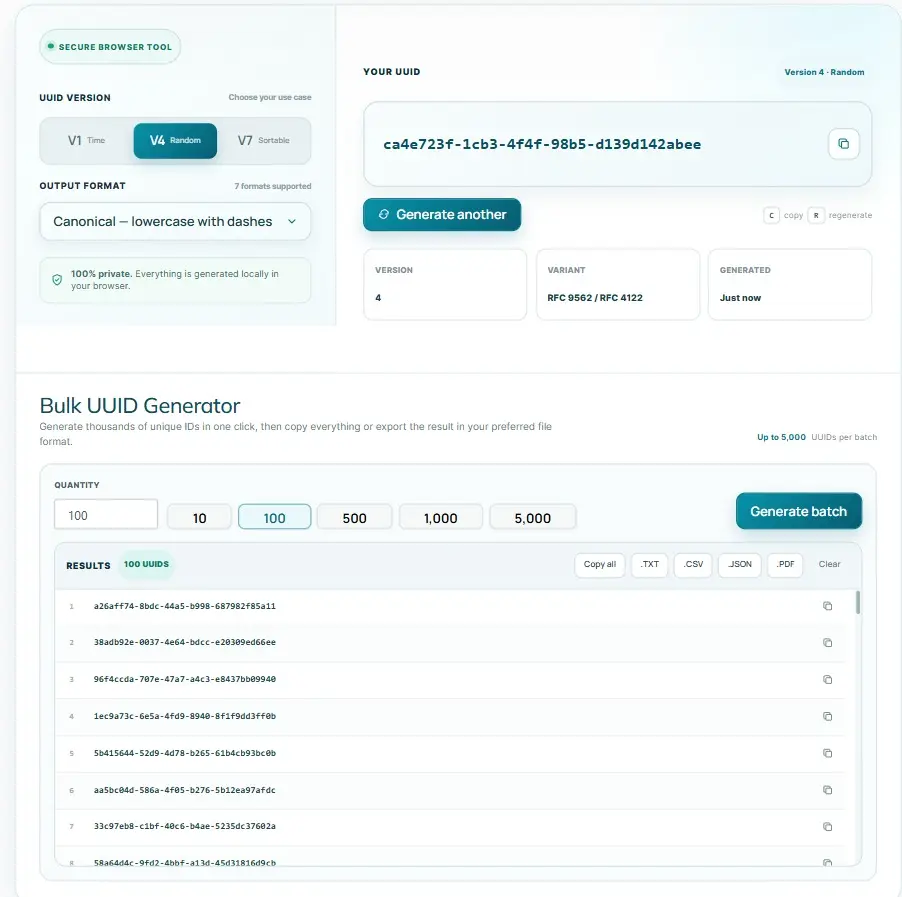
Rather than installing a library just to test or spot-check a UUID, you can generate both versions directly in your browser with ToolFlexy’s free UUID Generator. It supports UUID v1, v4, and v7, outputs in seven formats (including uppercase, no-dashes, and Base64), and can generate up to 5,000 UUIDs at once for seeding test data — all client-side, with nothing sent to a server. If you’re testing an API response that returns UUIDs alongside other structured data, ToolFlexy’s JSON Formatter is a quick way to validate and clean up that payload in the same browser tab.
Frequently Asked Questions
Is UUID v7 a Standard Yet?
Yes — UUID v7 was formally standardized by the IETF in RFC 9562, published in May 2024, alongside updated specifications for the older UUID versions.
Can I Convert a v4 UUID to v7?
Not meaningfully — a v4 UUID has no embedded timestamp to begin with, so there’s nothing to convert. If you need time-ordered IDs going forward, you generate new v7 UUIDs for new records rather than transforming existing v4 values.
Are UUID v7s Less Private Than v4?
Slightly — because v7 embeds a millisecond timestamp, anyone who sees a v7 UUID can determine roughly when it was created, which v4 never reveals. For most applications this isn’t sensitive, but it’s worth avoiding v7 for identifiers where creation time should stay hidden.
Which Databases Benefit Most from UUID v7?
Relational databases that use a B-tree-indexed primary key — PostgreSQL and MySQL/InnoDB in particular — see the clearest benefit, since v7’s time-ordering avoids the random insert pattern that fragments those indexes.
Is UUID v7 Guaranteed to Sort Perfectly by Creation Time?
Not perfectly — UUID v7 is accurate to the millisecond, so multiple UUIDs generated within the same millisecond are ordered randomly relative to each other. It’s “roughly” time-sortable, which is enough to get the indexing benefit, but it isn’t a substitute for a dedicated timestamp column if you need exact ordering.
Do I Need a Library to Generate UUID v7, or Can I Use an Online Tool?
For production code you’ll typically use your language’s UUID library (most major ones added v7 support after the 2024 RFC), but for quick testing, seeding sample data, or one-off IDs, a browser-based generator like ToolFlexy’s is faster and avoids adding a dependency just to generate a few values.
Is UUID v4 Being Deprecated?
No — v4 remains a fully valid, widely used UUID version. RFC 9562 added v7 (and v6, v8) as additional options; it didn’t deprecate v4, which is still the right choice for several use cases described above.
Can I Use UUID v7 as a Sortable UUID Instead of an Auto-Increment Integer?
Yes — that’s one of its main design goals. A sortable UUID like v7 gives you roughly chronological ordering similar to an auto-increment integer, while still letting any client or service generate IDs independently without checking in with a central database first, which auto-increment integers can’t do in distributed systems.
Conclusion
UUID v4 and v7 solve the same core problem — unique, decentralized IDs — in different ways. Choose v7 as your default for new, insert-heavy database tables where index performance matters; stick with v4 wherever hiding creation time is more important than sort order. If you’re not sure which fits your case, generate a few of each with ToolFlexy’s UUID Generator and see the structural difference for yourself.