
Ready to try it? Use our free Website Word Counter tool.
The best website word counter is the one that matches your job: a quick check of one page, or a full scan of every page on a site. ToolFlexy’s Website Word Counter does both. It scans a whole website, shows words, characters, links and language for each page, and exports the results to CSV, Excel, PDF or JSON, all without sign-up.
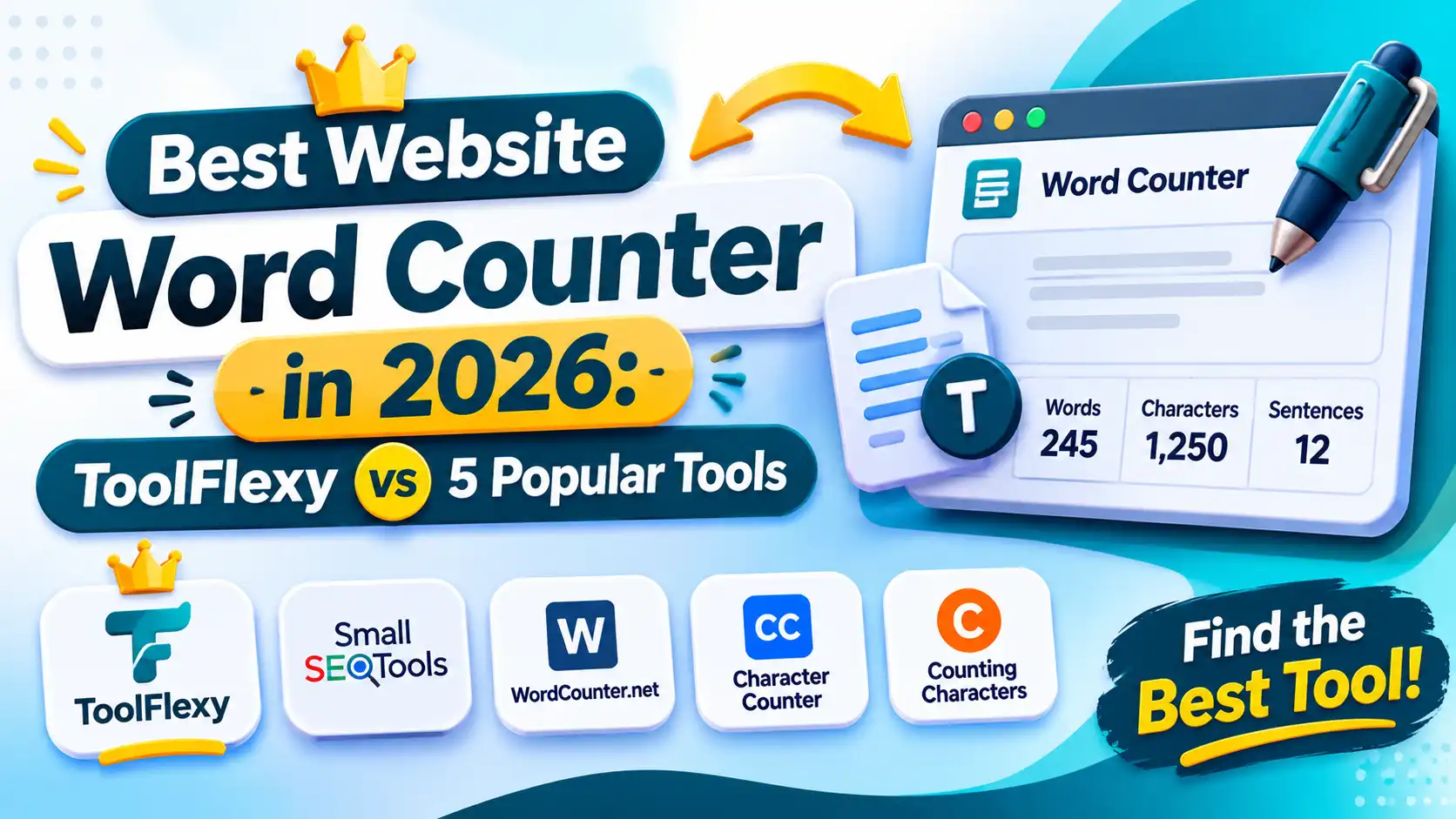
In this comparison of the best website word counter tools, we reviewed the public pages of five popular alternatives: Sitechecker, Weglot, TranslatePress, MultiLipi and QuickSEO. We compare features, limits and ideal users. We also point out where a competitor does something better, so you can choose the right tool with confidence.
Web Page Word Counter vs Website Word Counter
A web page word counter analyzes one URL, such as a single article or product page. A website word counter checks many URLs and gives a total for the whole site. If you need the size of an entire website, use a scanner or crawler. If you only need one page, a single-page checker is enough.
Why Use a Website Word Counter?
A website word counter tells you how much text your site really contains. Counting by hand, page by page, is slow and easy to get wrong, so a scanner saves hours on any site with more than a few pages.
Here are the most common reasons people use one:
- Content audits: Find short pages that may need more helpful detail.
- Translation quotes: Estimate how many words need translating before you ask for a price.
- Migrations and redesigns: Know the true size of a site before you plan the work.
- Competitor research: Compare how much content rival pages publish.
- Page counting: Get a quick count of how many public pages a site has.
What to Look for in the Best Website Word Counter
Not every website word counter gives the same number for the same site, because each tool decides differently what counts as text. Before you trust a result, check these four things.
- Coverage: Does it scan one page, or every page it can find? A single-page tool cannot tell you the size of a whole site.
- Counting scope: Does it count only the article, the full visible page, or even the hidden code and meta tags? Each choice changes the total.
- Access: Is it free, and does it ask you to create an account before showing results?
- Reports: Can you export the data, or are you forced to copy numbers by hand?
Keep the scope in mind when you compare numbers from two tools. A translation tool that counts meta tags will always show a higher total than a tool that counts only visible article text, and neither number is wrong.
How We Compared the Best Website Word Counter Tools
We looked at what each tool says publicly on its own page, as of November 2026. We focused on five points: whether it scans a whole site, whether you must sign up, what you can export, how it decides which text to count, and what extra insights it gives.
Tools change often, so always confirm the latest limits on each site before you rely on them. Where a page does not mention a feature, we mark it as “Not listed” instead of guessing.
Best Website Word Counter Comparison Table

| Feature | ToolFlexy | Sitechecker | Weglot | TranslatePress | MultiLipi | QuickSEO |
|---|---|---|---|---|---|---|
| Whole-site scan | Yes, up to 2,000 pages | Yes, inside a site audit | Yes | Yes | Page-level count in its guide | Single page |
| Single-page check | Yes | Yes, no account | Not listed | Not listed | Yes | Yes |
| Sign-up needed | No | Yes for full-site results (free trial) | Not listed | Not listed | No | Not listed |
| Per-page results | Yes | Yes | Yes | Yes | Total count | One page |
| Export formats | CSV, Excel, PDF, JSON | Not listed | Not listed | Not listed | Not listed | Not listed |
| Body vs main-content mode | Yes | Not listed | No | No | No | Body text only |
| Counts meta and SEO tag words | No | Not listed | Yes | Yes | Yes | No |
| Language breakdown | Yes (declared) | Not listed | Not listed | Not listed | Not listed | Not listed |
| Link overview | Internal and external | Not listed | Not listed | Not listed | Not listed | Not listed |
| Main extras | Under-600 filter, search, sort | Keyword density, text-to-code ratio | Plan estimate | Plan estimate | Plan estimate | Reading time, benchmarks |
The table shows a clear pattern among the best website word counter tools. Most free tools either count one page or focus on translation pricing. ToolFlexy is the only one here that combines a whole-site scan, a choice of counting scope, a language breakdown, a link overview and four export formats in one free tool.
ToolFlexy Website Word Counter Review
The ToolFlexy Website Word Counter is built for people who need a full picture of a site, not only a single number. You paste a public URL, choose a mode, and watch results arrive page by page.
Single Page and Whole Website Modes
Single Page mode checks one URL without crawling anything. Whole Website mode looks at the sitemap first, then follows public internal links when no sitemap URLs are found. You can set the limit to 25, 50, 100, 250 or 500 pages, or go up to 2,000 pages.
Body Text or Main Content Counting
You can count the broad page body without navigation and controls, or focus on the main or article area. If a page has no main or article element, the tool falls back to body text and marks it in the report. This matters because a footer and menu can inflate a count and hide the real article length.
Language, Links and the 600-Word Filter
Each page shows the language declared in its HTML, and the dashboard summarizes the languages used across the scan. A link overview shows internal and external link totals, and the longest and shortest pages. A filter lists pages under 600 words, which is a handy review shortcut and not a quality verdict.
Search, Sorting and Four Export Formats
You can search URLs, sort by word count or site order, and export the analyzed rows as CSV, Excel, PDF or JSON. A scan can be stopped at any time, and the tool does not save your report, so export it before you leave the page.
Honest Limitations
No tool is perfect, and ToolFlexy has limits you should know. It reads fetched public HTML, so text added later by JavaScript may be missed. It counts visible text and does not count words inside meta tags or image alt text. It also does not give translation prices. A sitemap or link crawl can miss private, blocked or unlinked pages, so very large sites may not be covered in a single pass.
The 5 Competitors, One by One
1. Sitechecker Website Word Counter
Sitechecker’s website word counter sits inside a larger SEO audit platform. It reports word and character counts, flags pages with low word counts, and offers keyword density insights and a text-to-code ratio. A single page can be checked without an account, but results for a whole site require a free trial sign-up. It is a strong choice if you also want a full technical audit.
2. Weglot Website Word Count
Weglot built its tool to help site owners estimate translation needs. According to its announcement post, it scans all public pages, lists words per URL and shows a unique total that does not repeat identical text. It also counts words in the HTML source, including SEO tags, and skips pages behind a login. It is best for planning a Weglot translation.
3. TranslatePress Website Word Counter
The TranslatePress tool crawls public pages, counts unique words, and gives a breakdown per page. It includes words in code, meta descriptions and SEO tags, then recommends a plan based on your total and the number of languages. It is useful if you are already considering that plugin, though its page does not list export options.
4. MultiLipi Word Count
MultiLipi offers a free live word count tool that needs no registration. Its help guide describes entering a homepage or specific page and seeing the total word count, including text in HTML and meta tags. It also suggests adding a 10-15% buffer for future growth. It is aimed at estimating translation volume, not detailed per-page auditing.
5. QuickSEO Website Word Counter
QuickSEO’s tool analyzes a single page. It reports words, characters, sentences, paragraphs, reading time and a content-to-HTML ratio, and it compares the page against suggested lengths for blog posts, landing pages and product pages. It is great for a deep look at one page, but it does not scan a whole site.
Other Website Word Counter Tools Worth Knowing
The five tools above are not the only best website word counter options. Searchbloom’s bulk checker lets you enter up to 20 URLs, or upload a CSV file, and shows the average word count. It works well for comparing the pages that rank for one keyword. Netpeak Spider is a crawler where you choose the word metric, crawl a domain and export the data, which suits larger technical audits.
Which Is the Best Website Word Counter for You?
The right answer depends on your goal. Use this simple guide:
- Full-site audit with exports, free and no sign-up: choose ToolFlexy.
- Word count plus a complete SEO audit: choose Sitechecker.
- Translation planning with Weglot, TranslatePress or MultiLipi: use the matching vendor tool, because it counts SEO tag words and suggests a plan.
- Reading time and sentence stats for one page: choose QuickSEO.
For most site owners, agencies and freelancers, the best website word counter is one that scans every page and exports clean reports saves the most time. That is where ToolFlexy stands out.
How to Count Words on an Entire Website With ToolFlexy
Follow these steps to run a full scan:
- Open the website word counter and select Whole Website.
- Paste the public URL of the site you want to scan.
- Pick a page limit, from 25 pages up to 2,000.
- Choose Page body for a broad count, or Main content / article to focus on the article area.
- Click Analyze Website and watch the pages arrive in batches.
- Review totals, average words per page and the under-600 list, then export the report.
If you only need to count text you have written, try the ToolFlexy word counter instead. It is made for pasted text, while the website tool reads live public pages.
Conclusion: The Best Website Word Counter in 2026
Every tool in this list has a real strength. Sitechecker shines for SEO audits, Weglot, TranslatePress and MultiLipi help with translation estimates, and QuickSEO gives rich detail for a single page. ToolFlexy is the best website word counter for scanning a full site for free, because it combines page counts, per-page words, links, languages and four export formats without an account.
Run a scan on your own site today with the ToolFlexy Website Word Counter, export the results, and use them to plan your next content update. When you rewrite short pages, polish the new text with the grammar checker before you publish. Remember that word count is only a filter, so always judge a page by how well it answers the visitor’s question.