
Ready to try it? Use our free JPG to WEBP Converter tool.
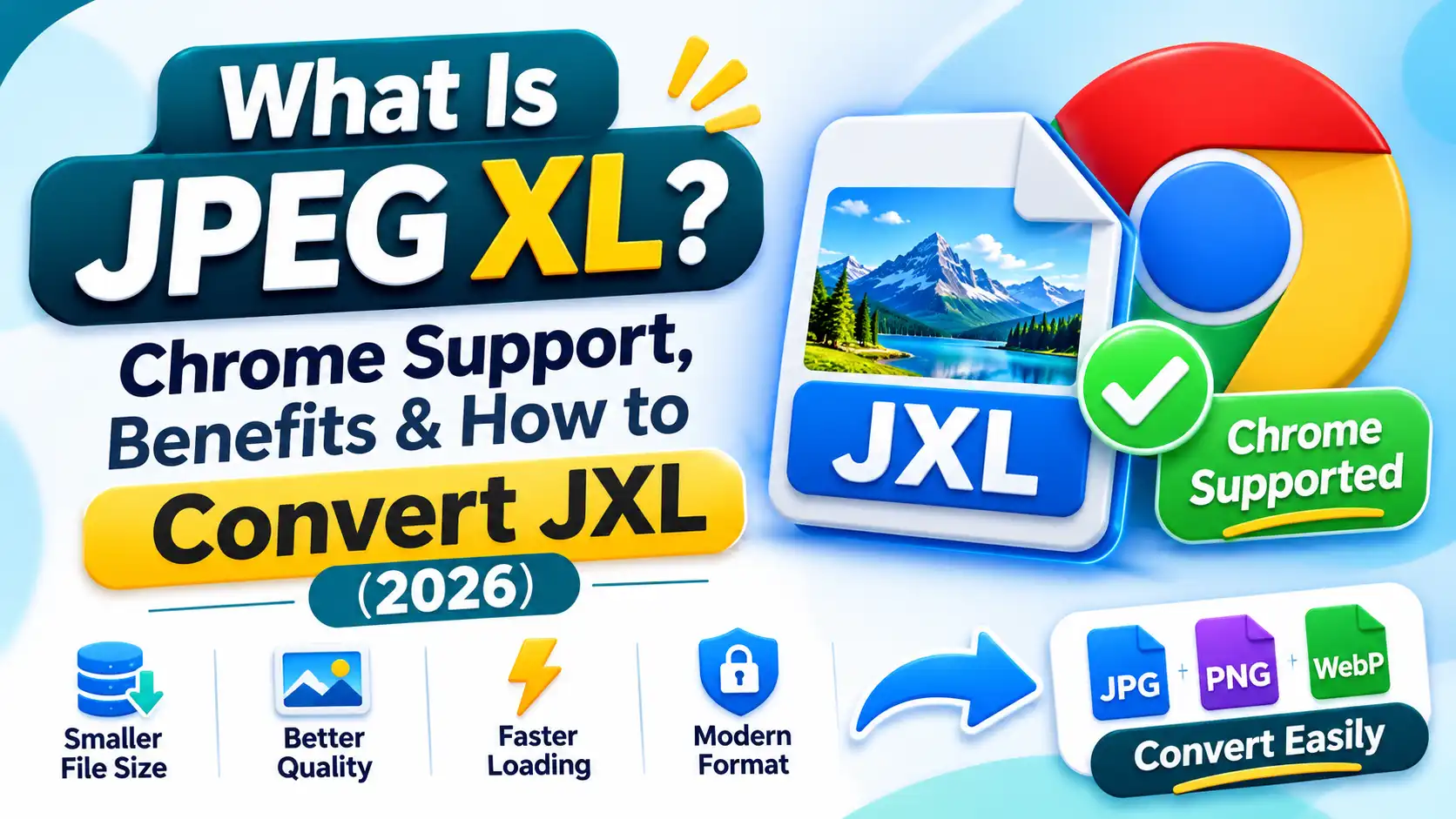
What is JPEG XL? It is a modern image format that makes photos 30-50% smaller than JPEG while keeping the same visual quality. It also supports lossless compression, HDR, and animation. In October 2026, Google announced that Chrome will ship JPEG XL decoding starting from Chrome 155, which turns JXL from a niche experiment into a format every website owner should understand.
If you have ever wondered whether your browser can open a .jxl file, or how to convert one into a normal JPG, this guide covers it in plain language. You will also find a comparison with WebP and AVIF, a code example for your website, and a simple recommendation on when to use JXL.
What Is JPEG XL (JXL)?
JPEG XL is a next-generation image format built to replace the old JPEG standard. The file extension is .jxl, and the format was designed to deliver better compression, higher quality, and more features in one package. The format is developed under the official JPEG committee.
Regular JPEG launched in 1992. It is everywhere, but it has real limits: no transparency, no HDR, and compression that is weak by modern standards. JPEG XL fixes these problems without giving up the things people like about JPEG, such as fast decoding and strong photo quality.
Here is what makes JXL different from older formats:
- Smaller files: The Chrome team says JXL offers 30-50% better compression than JPEG.
- Lossless mode: You can compress an image with no quality loss at all.
- Lossless JPEG transcoding: You can convert an existing JPG into JXL and still restore the exact original JPG later.
- HDR and wide color: JXL handles high dynamic range images natively.
- Progressive decoding: A large image can appear gradually while it loads, instead of waiting for the full file.
A Short History: Why JPEG XL Almost Disappeared
JPEG XL has had a very unusual journey. Chrome added experimental support in 2021, then removed it in October 2022 because of what Google called limited interest. Many developers were upset, and the format looked like it might fade away.
Interest never stopped, though. Photographers, web developers, and image tool makers kept asking for it, and Apple added support in Safari. By late 2025 the Chrome team changed its position and accepted a new decoder written in a memory-safe language. So what is JPEG XL’s position now? The latest Chrome announcement answers that question.
Chrome 155 and JPEG XL Browser Support in 2026
Chrome will support JPEG XL by default starting from Chrome 155, according to the official Chrome for Developers announcement published on October 6, 2026. This is the biggest moment in the history of the format, because Chrome is the most used browser in the world. In short, what is JPEG XL’s Chrome status? Default support from version 155.
The new decoder is called jxl-rs and is written in the Rust programming language. Google chose Rust for a good reason. Image decoders handle untrusted files from the internet, so memory safety matters a lot. The Chrome team reported that it found no memory safety bugs in this decoder across its entire history. Chrome 145 included the decoder earlier in February 2026, but only behind an experimental flag.
JPEG XL Support in Chrome, Safari and Firefox
Browser support has been uneven, so here is the current picture based on the latest information available:
| Browser | JPEG XL Status |
|---|---|
| Safari (macOS and iOS) | Supported since version 17 (2023), on by default |
| Chrome | Experimental flag in Chrome 145; default support from Chrome 155 |
| Firefox | Added in Firefox 152 (June 2026) behind a preference, not on by default |
Browser versions change quickly, so check the live table on Can I Use before making any technical decision. Also remember that many visitors update their browsers slowly, so full support will take time to spread.
JPEG XL vs JPG vs WebP vs AVIF
JPEG XL beats JPG on almost every point, and it competes closely with AVIF. AVIF usually wins on pure file size for web photos, while JXL is stronger for high quality, lossless work, and progressive loading. WebP is the safest “modern” choice today because nearly every browser supports it.
| Feature | JPG | WebP | AVIF | JPEG XL |
|---|---|---|---|---|
| Compression vs JPG | Baseline | Better | Best for small size | 30-50% better |
| Lossless mode | No | Yes | Yes | Yes |
| Transparency | No | Yes | Yes | Yes |
| HDR | No | Limited | Yes | Yes |
| Lossless JPG conversion | – | No | No | Yes |
| Browser support | Universal | Very wide | Wide | Growing |
| Encoding speed | Fast | Fast | Slow | Moderate |
If you are comparing formats, what is JPEG XL doing better than WebP? Mainly lossless JPG conversion and progressive loading. The Chrome team itself recommends testing both AVIF and JPEG XL on your own images. It expects JXL to work best for high-fidelity or lossless photos, and for cases where gradual progressive loading is useful.
What Is JPEG XL Used For?
JPEG XL is used for web photos, photo archives, professional photography, and any project where image quality and file size both matter. It is not limited to one task, which is why people see it as a true all-round format.
Common real-world uses include:
- Photography websites: High-quality images that load progressively.
- Image archives: Smaller storage using lossless JPG transcoding.
- E-commerce: Sharper product photos at smaller file sizes.
- Editing workflows: Lossless images with HDR and wide color.
What Is JPEG XL Good At? Key Benefits
The main benefit of JPEG XL is that it saves storage and bandwidth without hurting quality. For a website, smaller images usually mean faster pages, and faster pages help both visitors and search rankings. Here are the benefits that matter most in practice.
Lossless JPEG Transcoding
This is the feature that makes JXL special. You can convert an existing JPG to JXL and reduce the file size, and the process is fully reversible. You can turn the JXL file back into the exact original JPG, byte for byte. No other mainstream format offers this.
For photographers and anyone with a large image archive, this means real storage savings with zero risk to the original photos.
HDR, Wide Color and Progressive Loading
JPEG XL supports HDR and wide color gamuts natively, which matters as phones and screens get brighter and more colorful. It also supports fine-grained progressive decoding. On a slow mobile connection, visitors see a rough version of the image first, and details fill in as more data arrives. This improves the feeling of speed, even when the total download time stays the same.
Limitations You Should Know Before Switching
JPEG XL is promising, but it is not ready to replace everything today. To be fair, what is JPEG XL missing right now? Mostly universal support. Be aware of these limits before you convert your whole website.
- Support is still rolling out. Visitors on older Chrome versions, or on Firefox with default settings, may not see JXL images.
- You need a fallback. Serve a JPG or WebP version too, using the HTML
<picture>element. - Tool support is uneven. Some editors, CMS platforms, and social networks still reject
.jxluploads. - AVIF can still be smaller. For many web photos, AVIF produces the smallest file, so test before you decide.
How to Add JPEG XL to Your Website Safely
The safest way to use JPEG XL is with the HTML <picture> element and a fallback. The browser reads the sources from top to bottom and picks the first format it understands, so visitors with older browsers still see your image.
<picture>
  <source srcset="photo.jxl" type="image/jxl">
  <source srcset="photo.avif" type="image/avif">
  <source srcset="photo.webp" type="image/webp">
  <img src="photo.jpg" alt="Describe your image" width="1200" height="800">
</picture>
Always include width and height on the image, so the page does not jump while loading. This also protects your Core Web Vitals score. Before uploading, compress your fallback JPG with the compress image tool to keep the page light.
How to Open and Convert JXL Files (JXL to JPG)
If you are asking what is JPEG XL and why your file will not open, the answer is simple: not every app understands it yet. Many programs on Windows and Android still cannot open .jxl files, so the quickest fix is to save a normal JPG or PNG copy.
Follow these simple steps:
- Try opening the file in a browser that supports JPEG XL, such as Safari today, or Chrome once it is updated to version 155 or newer.
- If it still will not open, use an image editor or converter that supports JPEG XL, and export the picture as JPG or PNG.
- Keep the original
.jxlfile as your master copy, because a JPG copy is lossy. - Use ToolFlexy to finish the job, as shown below.
Once you have a normal JPG or PNG, ToolFlexy can prepare it for your website or any upload form. Reduce the file size with the image compressor, set exact dimensions with the image resizer, or change the format with the JPG to PNG converter and the PNG to WebP converter. You can also browse all image converters in one place.
Tip: Converting JXL to JPG creates a lossy copy, so never delete the original JXL file.
Should You Use JPEG XL on Your Website?
So, what is JPEG XL best for on your own site? For most websites in late 2026, the best answer is: test it, but do not rely on it alone. JPEG XL is a strong future format, and Chrome 155 is a major turning point. However, a safe approach still includes a WebP or JPG fallback.
Use this simple decision guide:
- Photography or portfolio site: Try JXL, because quality and progressive loading matter most.
- Blog or business site: Stay with WebP or AVIF for now, and test JXL on a few pages.
- Image archive or backup: Use JXL lossless transcoding to save space safely.
- Social media sharing: Stick to JPG or PNG, since many platforms do not accept JXL yet.
Conclusion: What Is JPEG XL Worth in 2026?
JPEG XL is one of the most important image formats to watch in 2026. With Chrome 155, Safari support, and Firefox moving in the same direction, JXL is finally becoming practical for real websites. It offers smaller files, lossless options, HDR, and a unique way to shrink old JPG photos without losing anything.
The smart move today is to start testing, keep a fallback format, and convert files when needed. When you have a JPG or PNG copy of your image, use the ToolFlexy image compressor to prepare it for your website in seconds.