
Ready to try it? Use our free ATS Score Checker tool.
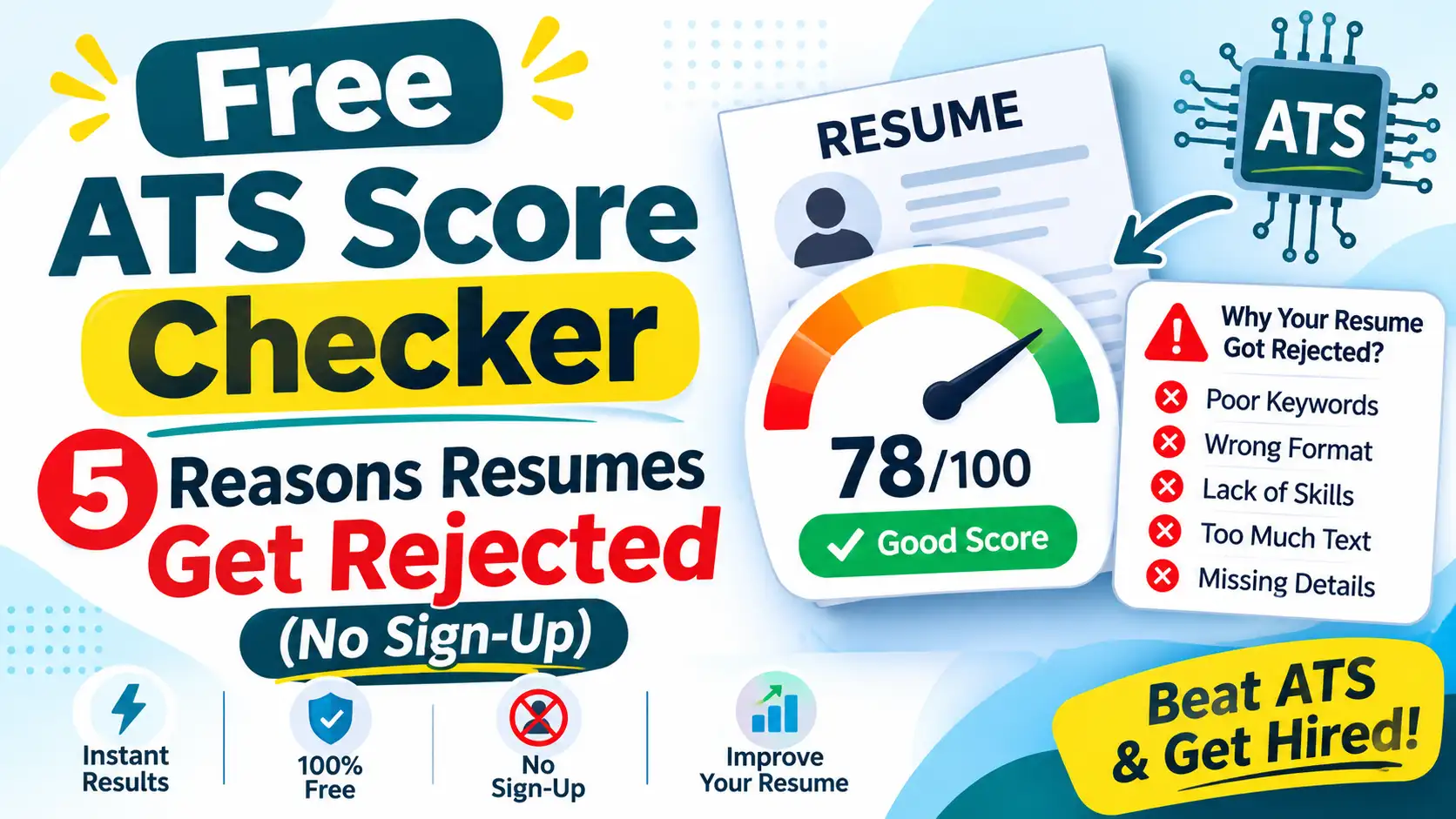
Applying to dozens of jobs and hearing nothing back isn’t always about your experience. It’s often a formatting or keyword problem that an Applicant Tracking System (ATS) catches before a human ever opens your resume. This ats score checker free tool from ToolFlexy fixes that blind spot in under a minute.
ToolFlexy’s free ATS score checker reads your resume the same way a real ATS does.
It gives you an instant 0-100 score, and tells you exactly what to fix — no sign-up or server upload; an optional Resume Builder handoff can save the ATS report in this browser until you clear it.
This guide walks through how to use a free ats score checker, what the score actually measures, and the specific fixes that move the needle most.
Check your resume’s ATS score free — no sign-up, nothing uploaded
What Is an ATS, and Why Does Your Resume Need to Pass One First?
An Applicant Tracking System is software that companies use to collect, sort, and filter job applications before a recruiter ever sees them.
Most mid-size and large companies — and a growing number of small ones — run every application through one, which means your resume is read by a parser before it’s read by a person.
The problem isn’t that ATS software is trying to reject qualified candidates. It’s that these systems parse text mechanically: they look for standard section headings, recognizable job titles, and keywords that match the posting.
A resume with a creative layout, tables, text boxes, or non-standard formatting can genuinely fail to read correctly. One that looks great to a human can parse into a scrambled mess — or skip sections entirely — inside an ATS.
That’s the specific risk a free ats score checker is built to catch — not whether you’re qualified, but whether the software standing between you and a recruiter can actually read what you wrote.
See the Applicant Tracking System overview on Wikipedia for more on how these systems work.
Industry estimates widely cited across recruiting software vendors put ATS adoption at the large majority of Fortune 500 companies — treat the exact figure skeptically. The underlying point holds: assuming your resume will be read by a person first is no longer a safe bet at most mid-size and large employers.
A Quick Example: Same Resume, Two Very Different Scores
Picture two versions of the same candidate’s resume. Version one uses a two-column template with a graphic skills bar, a text-box summary at the top, and a heading labeled “My Professional Journey” instead of “Work Experience.”
Version two has the identical content, rebuilt as a single-column document with standard headings and the skills section written as a plain bulleted list.
Run both through an ATS score checker and the gap isn’t subtle. Version one commonly loses points across all three categories: the text box and column layout hurt Length & Format, the renamed heading hurts Section Completeness, and the graphic skill bar means none of those skills register as text at all.
Version two, with nothing added or removed from the actual experience, scores meaningfully higher simply because the same information is now in a format the parser can read. Nothing about the candidate changed — only whether the software could see what was already there.
How to Check Your Resume’s ATS Score for Free in Under a Minute
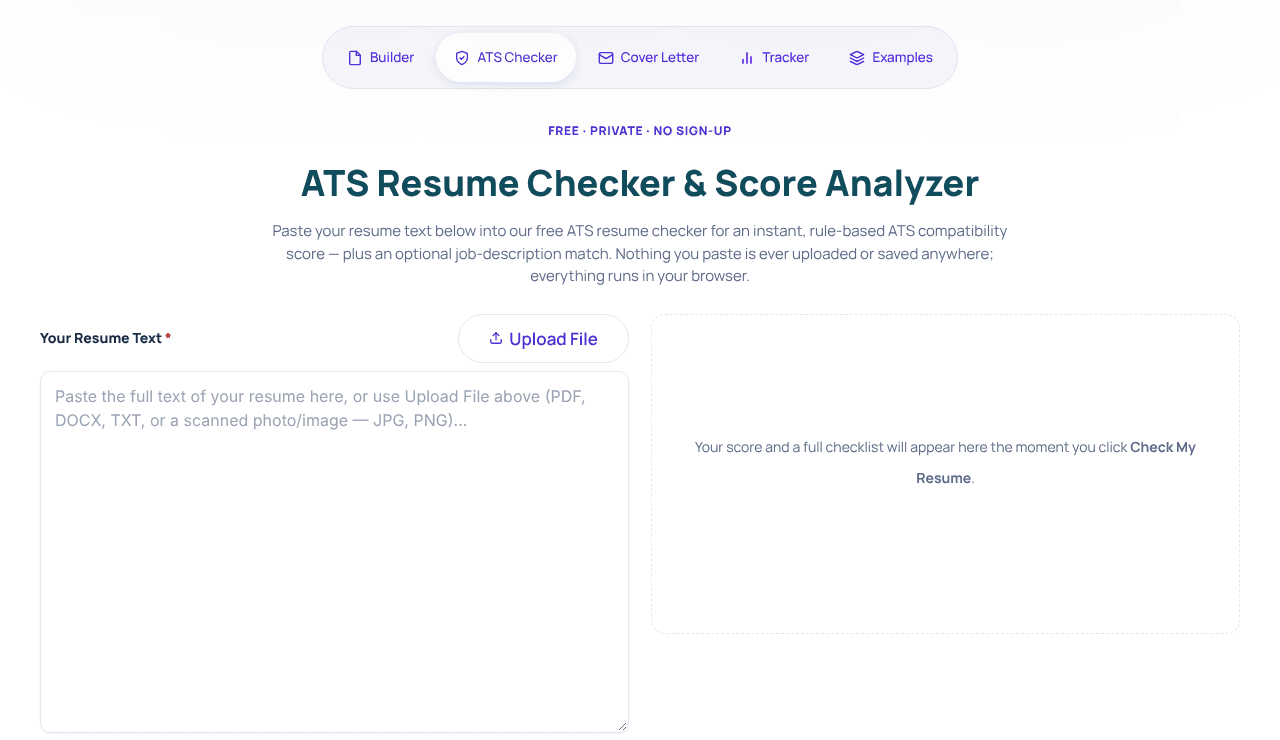
This free ats score checker runs entirely in your browser — nothing you paste or upload is sent to a server, including the OCR step for scanned files. Here’s the process from start to finish.
Step 1: Paste or Upload Your Resume
Paste your resume text directly, or upload a PDF, DOCX, TXT file, or even a scanned photo of a printed resume — on-device OCR reads image-based files automatically, so a phone photo of a printed copy works too.
Step 2: Add the Job Description (Optional, but Worth Doing)
Pasting in the actual job posting adds a keyword-match check on top of the base score, showing you exactly which terms from that specific listing are missing from your resume. Skipping this step still gives you a full format and structure score — it just won’t tell you about role-specific keyword gaps.
Step 3: Review Your Score and Fix the Checklist
Within seconds, this free ats score checker gives you a 0-100 score broken into three categories, plus a checklist of specific issues to fix — not just a number with no explanation. Work down the checklist, re-paste your updated resume, and re-check as many times as you want; there’s no limit and no account required.
What This ATS Score Checker Free Tool Actually Scores
A number alone isn’t useful without knowing what it’s measuring. ToolFlexy’s checker breaks your resume into three categories that mirror how parsing software actually reads a document.
Length & Format
This covers resume length, file structure, and whether the layout itself is parseable — tables, text boxes, columns, and graphic-heavy templates are common culprits here, since many ATS parsers read them out of order or skip them completely.
Section Completeness
The checker looks for the sections an ATS is specifically trained to find: contact information, work experience, education, and skills, each under a standard, recognizable heading. A section that exists but is labeled something creative — “My Journey” instead of “Work Experience” — can get missed entirely.
Content Quality
This layer looks at whether your bullet points use action verbs and quantified achievements rather than vague duty descriptions, since that’s what separates a resume that parses cleanly from one that also reads as strong once it reaches a human.
5 Reasons Resumes Fail an ATS Scan — and How to Fix Each
1. Tables and Text Boxes Hide Your Content
Content placed inside a table cell or a text box is frequently invisible to an ATS parser, even though it displays perfectly on screen. Fix: rebuild those sections as plain paragraphs or bulleted lists in the main document flow, not inside a container element.
2. Non-Standard Section Headings
Creative headings might look distinctive to a human reader, but an ATS is matching against a fixed list of expected terms. Fix: use “Work Experience,” “Education,” and “Skills” — not synonyms or rebranded versions of them.
3. Missing Keywords From the Job Posting
An ATS frequently ranks or filters candidates by how closely their resume’s language matches the posting’s. Fix: mirror the job description’s exact phrasing where it’s genuinely true of your background, rather than using a different word for the same skill.
4. The Wrong File Type
Some older or poorly configured ATS installs still struggle with certain PDF exports, particularly ones generated as scanned images rather than real text. Fix: export as a standard, text-based PDF or DOCX, and confirm with a checker that the text is actually extractable, not just visually present.
5. Columns, Icons, and Skill-Bar Graphics
Multi-column layouts and visual skill bars are built for human eyes, and ATS software can read them in the wrong order or skip them outright. Fix: keep the structure linear — one column, text-based skill lists instead of graphic bars.
Free vs. Paid ATS Checkers: What’s the Real Difference?
Most ATS checkers online fall into one of two patterns: they require a job description before showing any result, or they show a partial score and lock the full breakdown, the keyword list, or repeated checks behind a signup or paid plan. Marketing claims like “land 3x more interviews” are common on these tools, almost always without a cited source or methodology behind the number.
ToolFlexy’s free ats score checker skips both patterns. The full 0-100 score and checklist are free with no account, the job-description match is optional rather than required, and you can re-check as many times as you want while you revise.
Nothing you paste is uploaded to a server in the first place, so there’s no account to create in order to see a result.
That last point matters more than it sounds: a tool that requires an account before showing results typically also wants an email address it can follow up on later, which is a reasonable trade for some tools but an unnecessary one for a check you might run five or six times while editing a single resume.
Quick Fixes Worth Making Before You Even Run the Check
A handful of formatting habits cause most of the point loss on a first check, so it’s worth applying these before you paste your resume in for the first time.
Stick to standard section names rather than creative ones — “Work Experience,” not a rebranded version of it. Keep the layout to a single column; multi-column resumes are consistently the hardest format for parsing software to read in the correct order.
Write skills as a plain text list instead of a graphic bar or rating icon, since visual indicators of skill level don’t translate into readable text at all. None of these changes affect how a human reader sees your resume — they only change whether the software layer in between can read it correctly.
Should You Paste a Job Description Too?
It’s optional, but worth doing whenever you’re applying to a specific role rather than checking general resume health. The base score from this free ats score checker tells you whether the ATS can parse your resume correctly at all — the structural, format-level check.
Adding the job description layers a second check on top: which specific keywords from that posting are present or missing in your resume right now. If you’re sending the same resume to several different roles, it’s worth re-running the check with each job description rather than relying on one generic pass.
Who Actually Needs to Check Their ATS Score?
Anyone applying through an online portal benefits from running a free ats score checker before they submit, but it matters most in a few specific situations.
Mass applicants sending the same resume to many postings often get silence back without knowing whether the resume was ever actually read correctly. Anyone using a visually designed template — the kind with columns, icons, or a sidebar — should check specifically because those layouts are the most common parsing failure point.
Career changers need to confirm that keywords from their new target field actually appear on the page, since an ATS won’t infer transferable experience on its own. Recruiters and career coaches reviewing a client’s resume before it goes out can use the same check as a fast, objective pass before sending it further.
Check Your Resume’s ATS Score Before You Hit Submit
A formatting problem that costs you an interview has nothing to do with your actual qualifications — and it’s fixable in minutes once you know what’s wrong. Paste your resume into this free ats score checker, work through the checklist it gives you, and re-check after every change until the structural issues are gone.
Check your resume’s ATS score free now — no sign-up, nothing uploaded