How to Use Free PDF Converters Online Without Software Installation
At ToolFlexy, you can easily use a free PDF converter online to manage, convert, compress, and edit all your document formats directly in your web browser with no sign-up and no credit card required. Whether you need to convert document formats securely, compress a heavy file, merge reports, or split pages, ToolFlexy provides an all-in-one suite built for fast and secure file management.
Documents rarely stay in one format for long. A contract arrives as a PDF, but your team needs it in Word; a scanned form needs compressing before it can be emailed; or a finished report needs to be locked down before distribution. If you want to use a free PDF converter online without installing bulky software or paying expensive subscription fees, this guide explains exactly how our cloud-based tools work.
What makes a free PDF converter online reliable? Not all browser-based platforms offer the same level of performance. A dependable converter must deliver three core features consistently: absolute accuracy in preserving document formatting, high-speed file processing, and guaranteed privacy with encrypted data deletion.
Here is the exact step-by-step process to process your files on ToolFlexy.
Step 1: Choose the Right Tool for Your Specific PDF Task
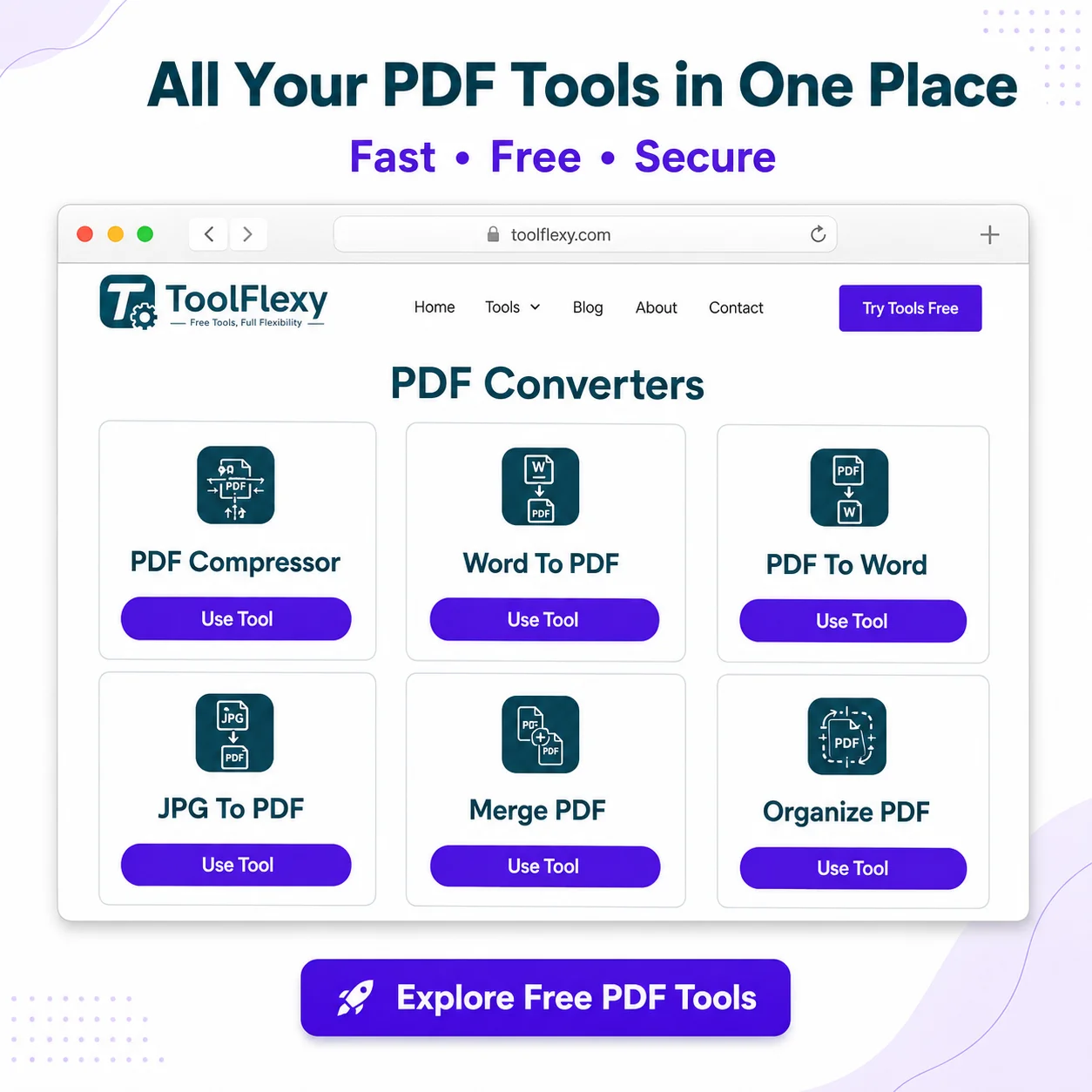
If you want to convert PDF files or edit document structures, you first need to identify the exact task you want to perform on our platform. At ToolFlexy, you can choose from a complete suite of specialized tools with zero cost, no sign-up, and no credit card required:
- PDF to Word / Word to PDF: Use these tools to transform static documents into fully editable text sheets or save formatted docs back into clean PDFs.
- PDF Compressor: Use this tool if your document size is too large to attach in an email or upload to a portal.
- Merge PDF: Combine multiple separate documents or scattered reports into one single, organized file.
- Split PDF: Extract specific pages or divide a massive multi-page document into individual sections.
- Protect PDF: Secure sensitive files by applying password encryption layers before sharing.
Step 2: Upload Your Document to ToolFlexy
Once you select your required tool, upload your file directly from your computer, tablet, or smartphone. ToolFlexy relies on secure cloud-based processing to handle heavy lifting on our high-speed servers. This ensures that even users on low-powered mobile devices or older laptops can use our free PDF converter online with maximum processing speed.
Step 3: Customize and Process Your File
Depending on your selected tool, configure your preferred output settings before processing. For example, when compressing, choose between maximum file size reduction or high visual quality. When merging or splitting, reorder pages, delete blank sheets, or adjust document orientation. This step allows you to easily edit and modify PDF sheets with full precision before finalizing your download.
Step 4: Download Your File Instantly
Once processing finishes in seconds, download your converted document directly to your local storage or generate a secure download link. Since ToolFlexy is a completely free PDF converter online requiring no sign-up or registration, your output file is ready immediately without hitting any hidden paywalls or forcing email subscriptions. If your document contains confidential data, remember to securely password protect a PDF file before emailing or sharing it further.
Four Key Features That Set ToolFlexy Apart
1. Genuinely Free Access With No Sign-Up Required
Unlike other platforms that restrict usage behind paywalls after one conversion, ToolFlexy provides a truly free PDF converter online experience. You get complete access to all document utilities with no sign-up, no registration, and no credit card required.
2. High-Speed Cloud Processing
Because every operation runs on our optimized cloud servers, you never experience system slowdowns. Even large, graphics-heavy files are converted and compressed instantly without draining your device’s memory.
3. Encrypted Security and Complete Data Privacy
ToolFlexy is engineered to convert document formats securely. All uploaded files are transmitted over SSL-encrypted channels and automatically deleted from our cloud servers shortly after processing, ensuring your confidential data remains private.
4. A Complete All-In-One Document Utility Platform
Stop switching between multiple websites for different file tasks. ToolFlexy integrates PDF Compressor, Protect PDF, Merge PDF, and Split PDF into one clean, seamless web application.
Best Practices When Converting or Editing PDFs Online
To keep your files safe, functional, and properly formatted across all devices, keep these operational habits in mind:
- Always keep a backup copy of your original document on your local drive before converting or editing.
- Use compression settings carefully on image-heavy documents to strike the right balance between file size and visual clarity.
- Whenever sending sensitive corporate or personal records, apply password protection before distributing files externally.
- Verify standard document formatting guidelines from official industry sources like Adobe’s PDF standard documentation when creating business or academic papers.
Who Benefits Most From Using Free Online PDF Tools?
- Students: Need to compress heavy scanned homework assignments, merge research papers, or convert lecture slides to meet online portal submission limits.
- Freelancers and Solopreneurs: Need a fast way to convert client contracts, create editable Word files from PDFs, and polish invoices without buying expensive desktop software subscriptions.
- Corporate Professionals and Remote Teams: Require instant file merging, splitting, and password encryption to share business reports securely across departments without waiting for IT assistance.
- Academic Professors and Educators: Need to split textbook chapters, organize syllabus files, and lock assignment sheets before sharing them with class groups.